What a Junior Developer's Incident Report Looks Like (With Real Example)
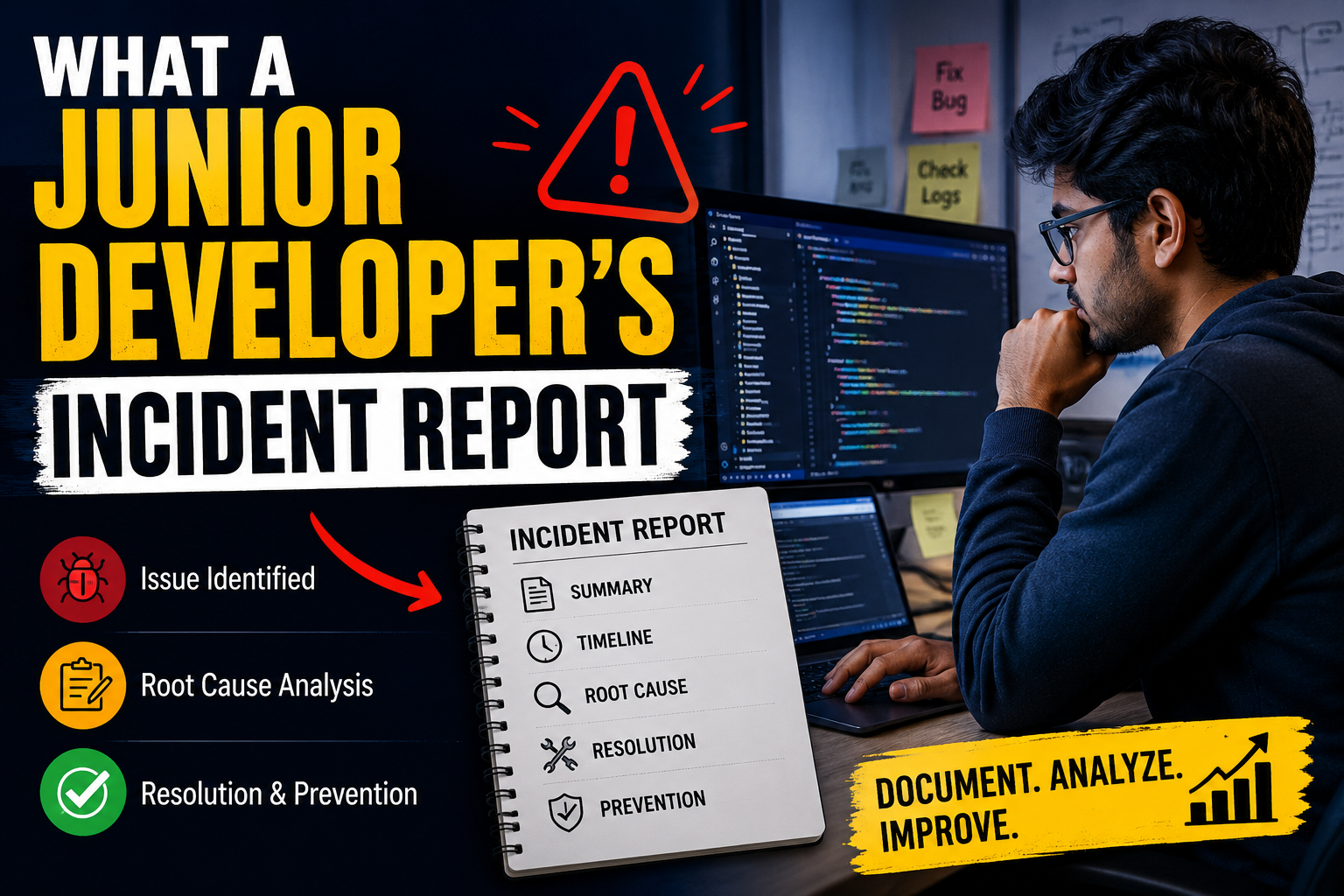
What a Junior Developer's Incident Report Looks Like
What a Junior Developer's Incident Report Looks Like
Mistakes happen in every software development team. Whether it's a production bug, an API failure, or an accidental deployment issue, documenting the problem professionally is an important skill.
If you're starting your career in software development, knowing what a Junior Developer Incident Report looks like can help you communicate clearly with your team and demonstrate responsibility.
In this guide, we'll explain the purpose of an incident report, its structure, and provide a real-world example that junior developers can use as a reference.
What Is a Junior Developer Incident Report?
A Junior Developer Incident Report is a document that explains:
- What happened
- When it happened
- What caused the issue
- How it affected users or the system
- What was done to resolve it
- How similar incidents can be prevented
The goal isn't to blame someone. Instead, it's to document technical issues so teams can learn and improve future releases.
Why Incident Reports Matter
Many new developers think incident reports are only for senior engineers. In reality, every developer should know how to document unexpected issues.
A good incident report helps teams:
- Improve communication
- Reduce repeated mistakes
- Speed up debugging
- Maintain project documentation
- Build trust during code reviews
Companies value developers who can explain technical problems clearly—not just fix them.
Structure of a Junior Developer Incident Report
A simple incident report usually includes the following sections.
1. Incident Summary
Provide a short explanation of the issue.
Example
Users could not log into the application after the latest deployment due to an authentication configuration error.
2. Date and Time
Record when the issue started and when it was resolved.
Example
- Incident Started: July 15, 2026 – 10:15 AM
- Resolved: July 15, 2026 – 11:05 AM
3. System Affected
Mention the affected service.
Examples
- Login API
- Payment Service
- User Dashboard
- Authentication Module
4. Root Cause
Explain what actually caused the issue.
Example
During deployment, the environment variable containing the authentication secret was missing from the production server. As a result, the login API failed to validate user tokens.
Note: Keep this section factual and avoid emotional language.
5. Impact
Describe how users or the business were affected.
Example
- Users couldn't log in.
- Approximately 600 login attempts failed.
- Customer support received multiple complaints.
6. Resolution
Explain the steps taken to fix the issue.
Example
- Updated the missing environment variable.
- Restarted the authentication service.
- Verified login functionality.
- Monitored logs for 30 minutes after deployment.
7. Prevention Plan
Mention what changes will prevent similar incidents.
Example
- Add deployment validation checks.
- Create an automated environment verification script.
- Improve release checklist documentation.
Real Junior Developer Incident Report Example
Incident Title
Login Failure After Production Deployment
Incident Summary
Users reported login failures immediately after a scheduled deployment.
Root Cause
A required environment variable was not configured on the production server.
Impact
- Login functionality unavailable
- Users unable to access accounts
- Increased support requests
Resolution
The missing configuration was added, the application service restarted, and successful login tests were performed.
Preventive Action
The deployment pipeline now validates all required environment variables before releasing updates.
Common Mistakes Junior Developers Make
When writing an incident report, avoid these common mistakes.
Blaming Team Members
Instead of writing:
John forgot to update the server.
Write:
The production configuration was incomplete during deployment.
Missing Technical Details
Include useful information such as:
- Error messages
- Logs
- Deployment version
- Affected services
- Timeline
Writing Too Much
Keep reports concise.
Focus on:
- What happened
- Why it happened
- How it was fixed
Forgetting Prevention Steps
Every incident report should explain how the team plans to avoid the issue in the future.
Tips for Writing Better Incident Reports
If you're a junior software developer, follow these best practices:
- Write objectively.
- Include timestamps.
- Mention only verified facts.
- Avoid assumptions.
- Use clear technical language.
- Keep the report easy to scan with headings and bullet points.
Well-written reports save valuable debugging time and improve collaboration across development teams.
Final Thoughts
Knowing what a Junior Developer Incident Report looks like is an essential professional skill.
While writing code is important, documenting incidents effectively demonstrates communication, accountability, and teamwork.
Every production issue is an opportunity to improve both the software and the development process.
By following a clear structure and focusing on facts, junior developers can create incident reports that are valuable to engineers, managers, and stakeholders alike.
Whether you're preparing for your first software job or working on real-world projects, mastering incident documentation will make you a stronger and more reliable developer.
SEO URL Slug
/what-a-junior-developers-incident-report-looks-like
Image Alt Text
Junior developer incident report example showing software bug documentation and resolution process
Share this post